
Bring the work into one clear view.

See the system you need to inspect, the numbers you need to compare or the follow-up step that needs attention. These examples bring related information together so you can examine it in context.

Keep the detail close to the decision.

An inventory needs health indicators. A search report needs a reporting period. A booking workflow needs a clear condition for moving forward. The useful view depends on the task in front of you.

Inventory, reporting and follow-up.

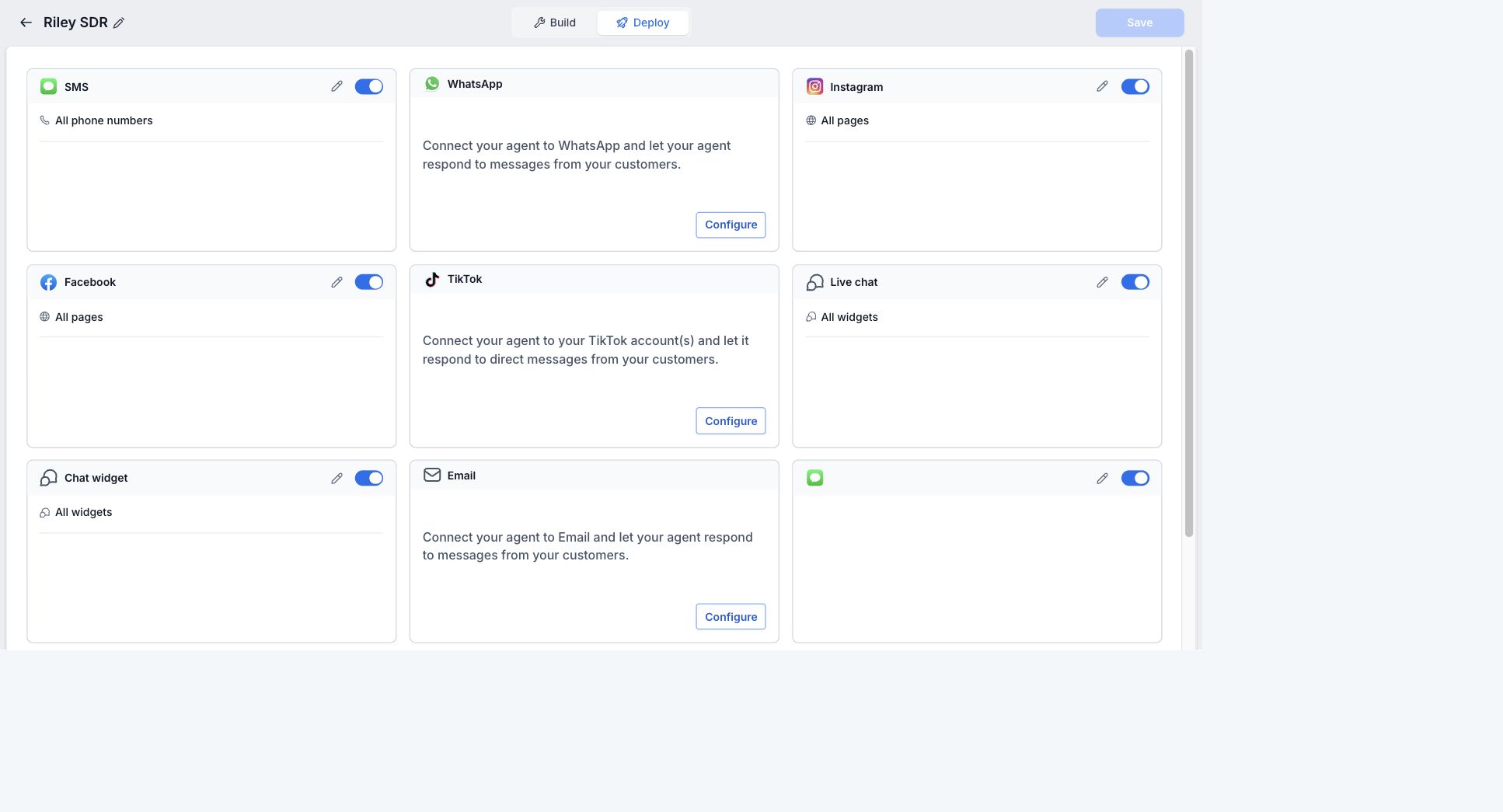
The work below includes a local operations console, a monthly Search Console reporting view and GoHighLevel configuration captures. They show different ways to make an operation easier to inspect.

3 projects

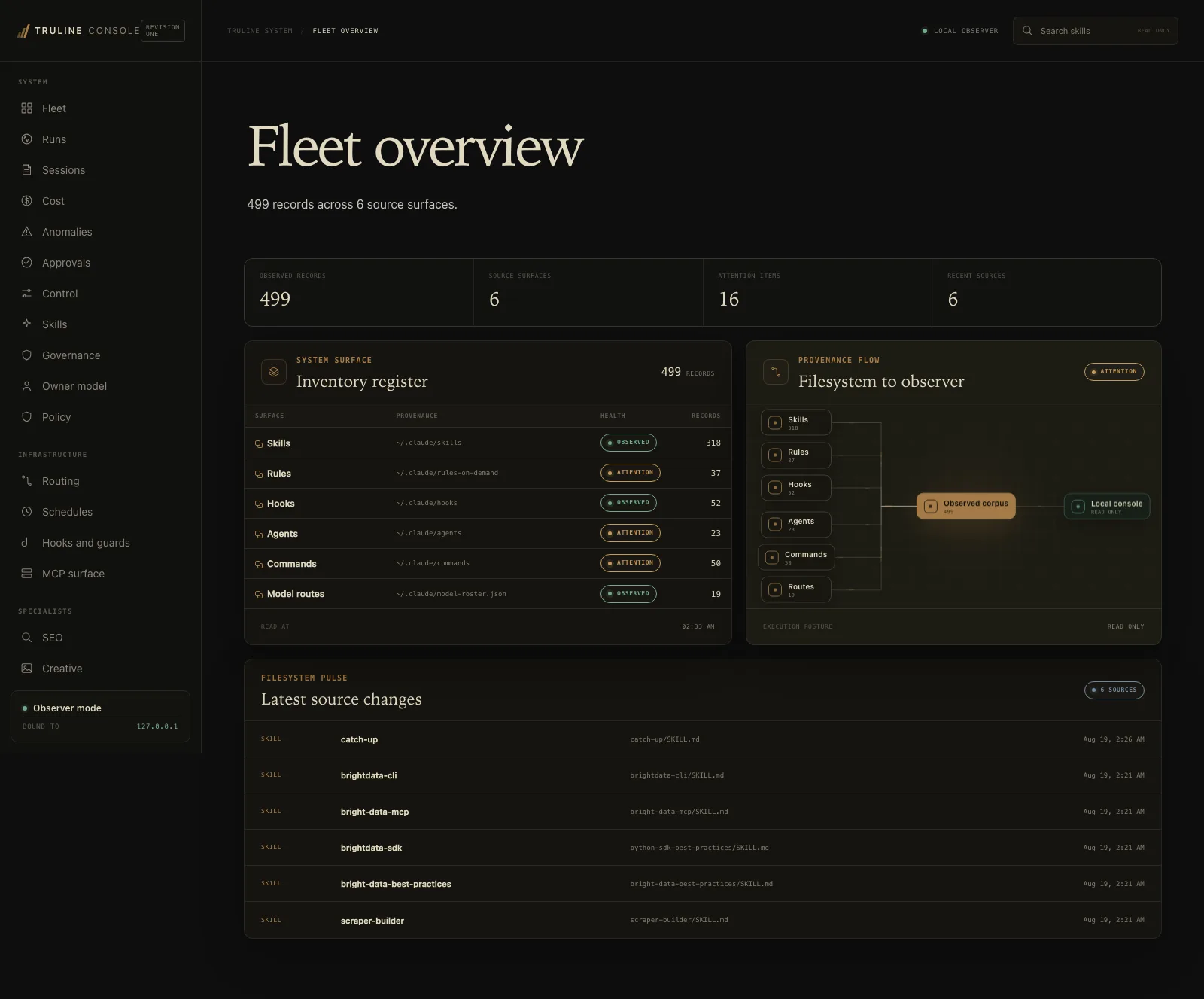
Local operations console with a system inventory register, health badges and a read-only source-provenance diagram.

Historical local agent-activity counts from August 2026.

Fleet overview, August 2026: 499 observed records across 6 source surfaces, 16 attention items and a filesystem pulse of the latest source changes. Historical capture.

Truline Digital Services operations console

Internal tool

Recorded local build. The August 2026 capture shows historical inventory counts, not current performance.

I built a local operations console that brings system inventory, health indicators and source information into one view.
Dashboards · Analytics

View project ↗
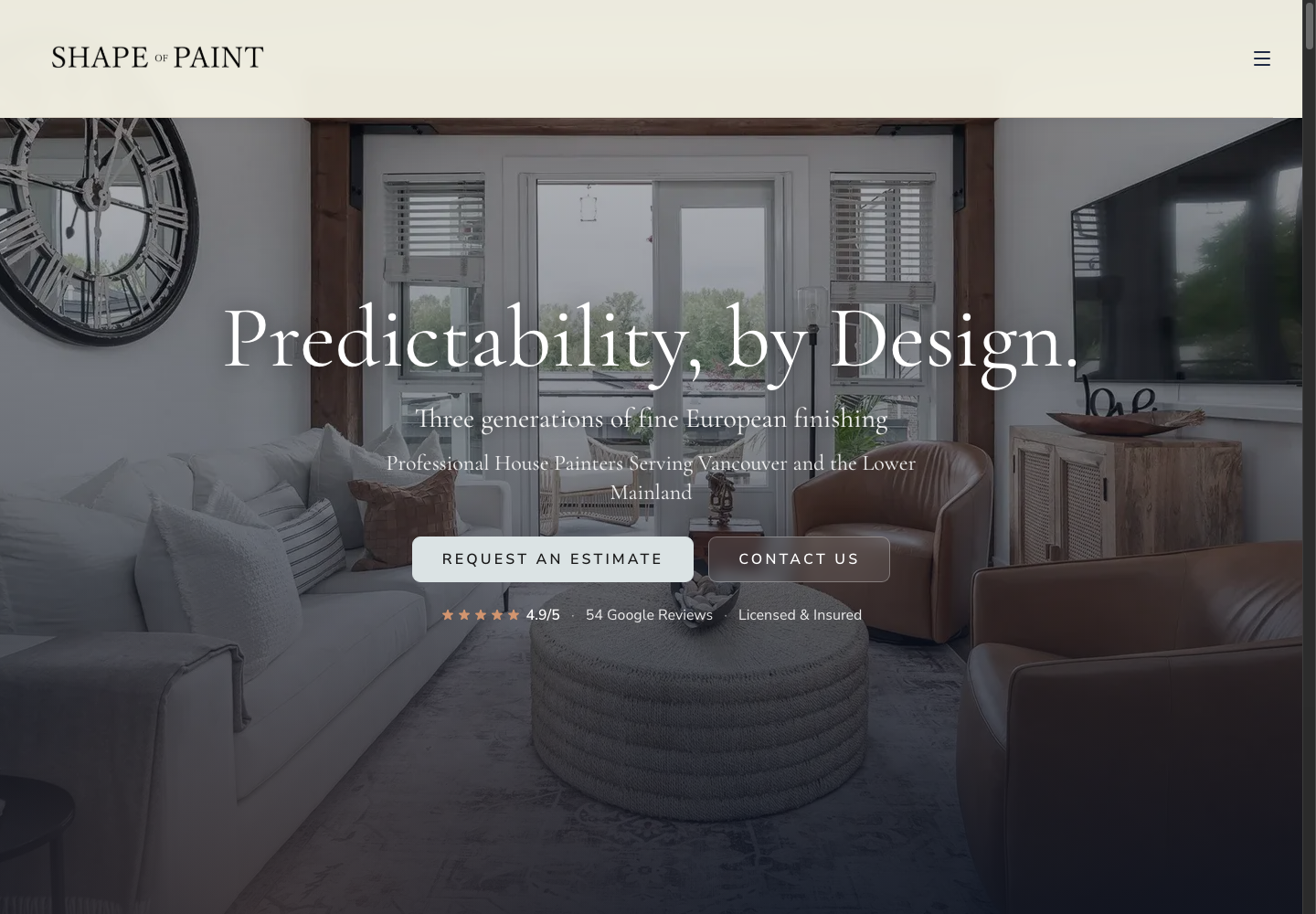
Shape of Paint homepage, the site covered by the June–September 2026 Search Console reporting case.

Shape of Paint homepage, captured October 8, 2026. The separate reporting case covers June–September 2026 Search Console activity.

Shape of Paint · search performance

Verified reporting case

June–September 2026: 112 to 181 Google Search clicks (+61.6%). Not enquiries or revenue, and not an isolated effect of the September redesign.

I assembled a reporting view of Shape of Paint’s monthly Search Console activity and guide-level clicks, comparing June through September 2026.

Dashboards · SEO · Analytics

View project ↗
Tell me about your project ↗